
STEP 01
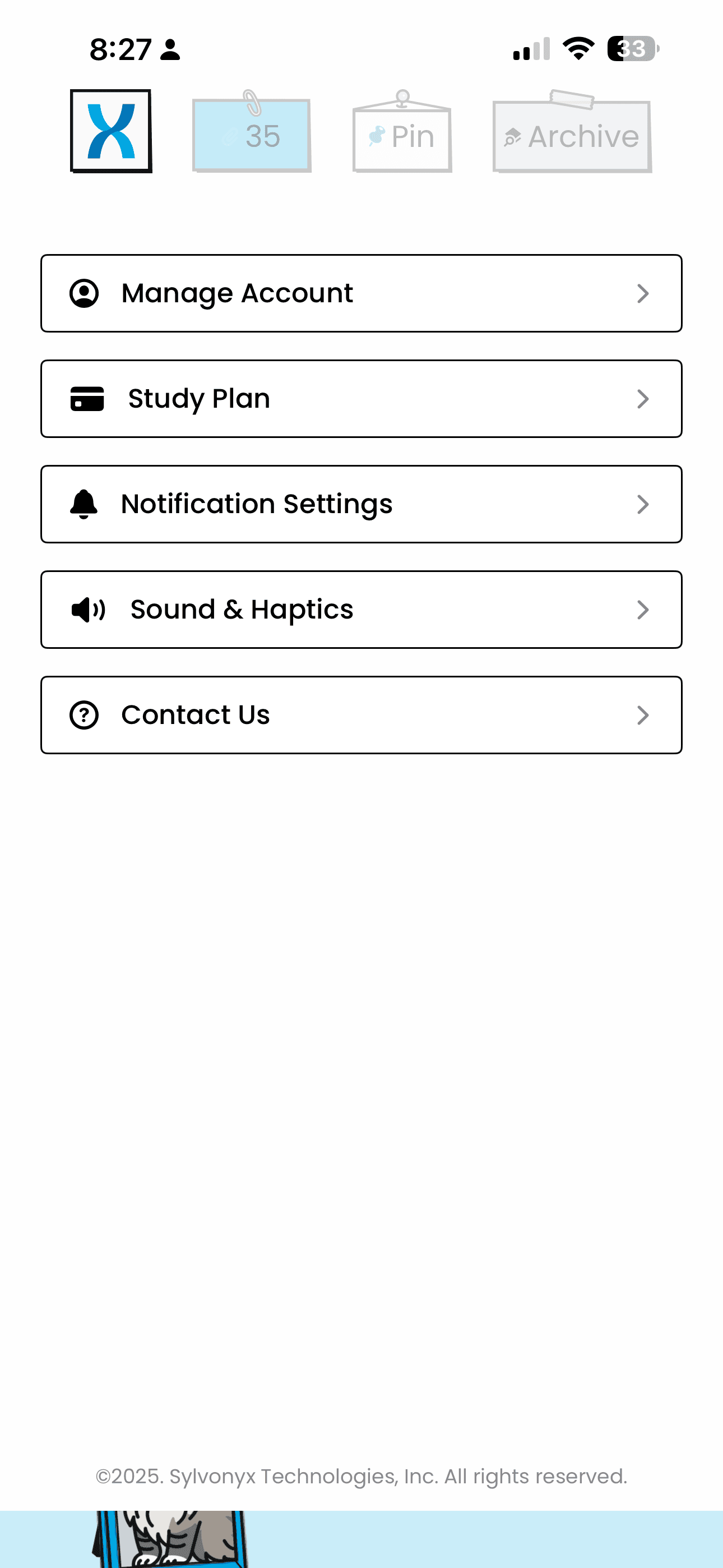
Open your account settings
Open DailyFax on your iPhone and go to the account or settings area, where the deletion option is available.
 Contact Support
If you would like DailyFax to delete your account and associated data, you can do so directly from the iOS app. Follow the steps below. If you are unable to access the app, please contact our support team for assistance.
DailyFax does not use Facebook Login and does not store Facebook profile data.
Open DailyFax on your iPhone and go to the account or settings area, where the deletion option is available.
Select the delete option shown in the app and review the confirmation message carefully before continuing.
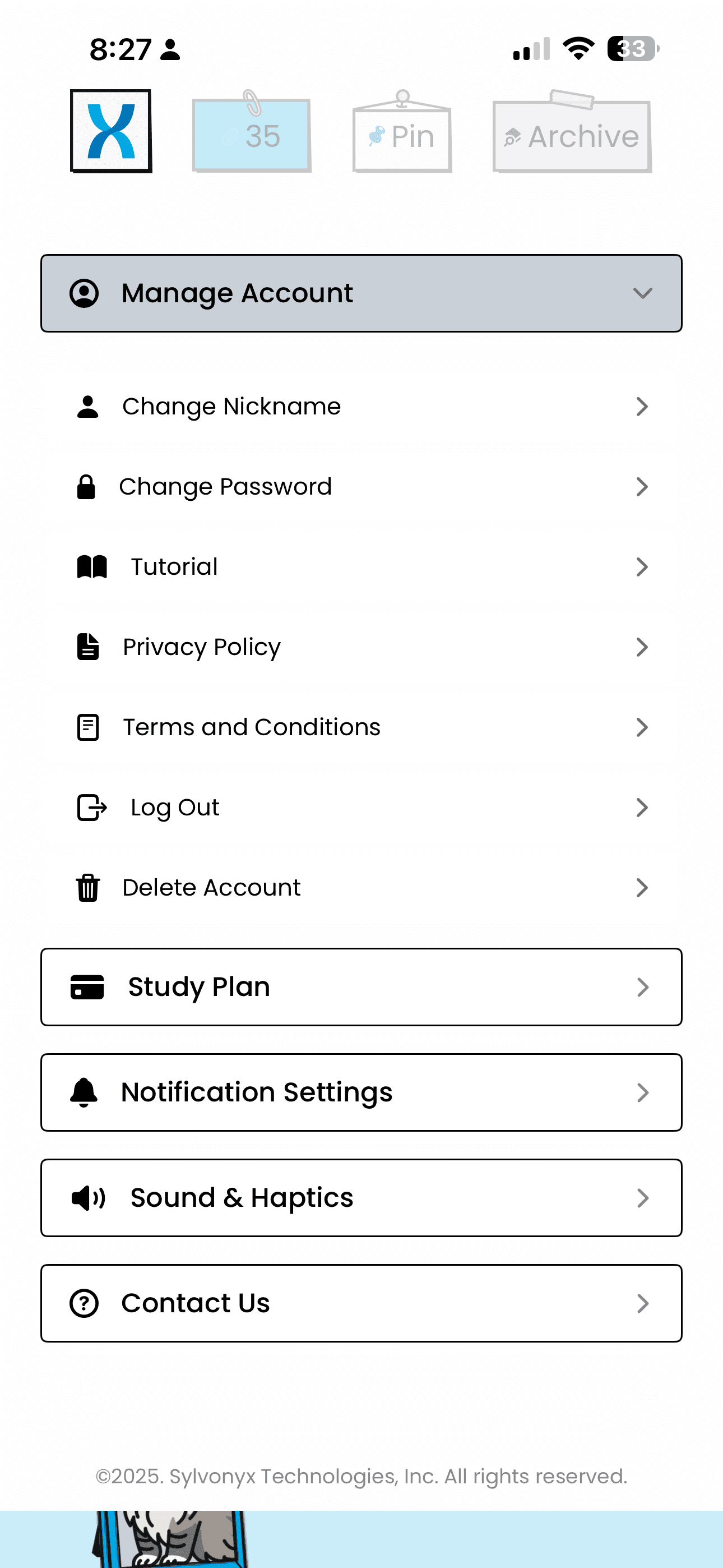
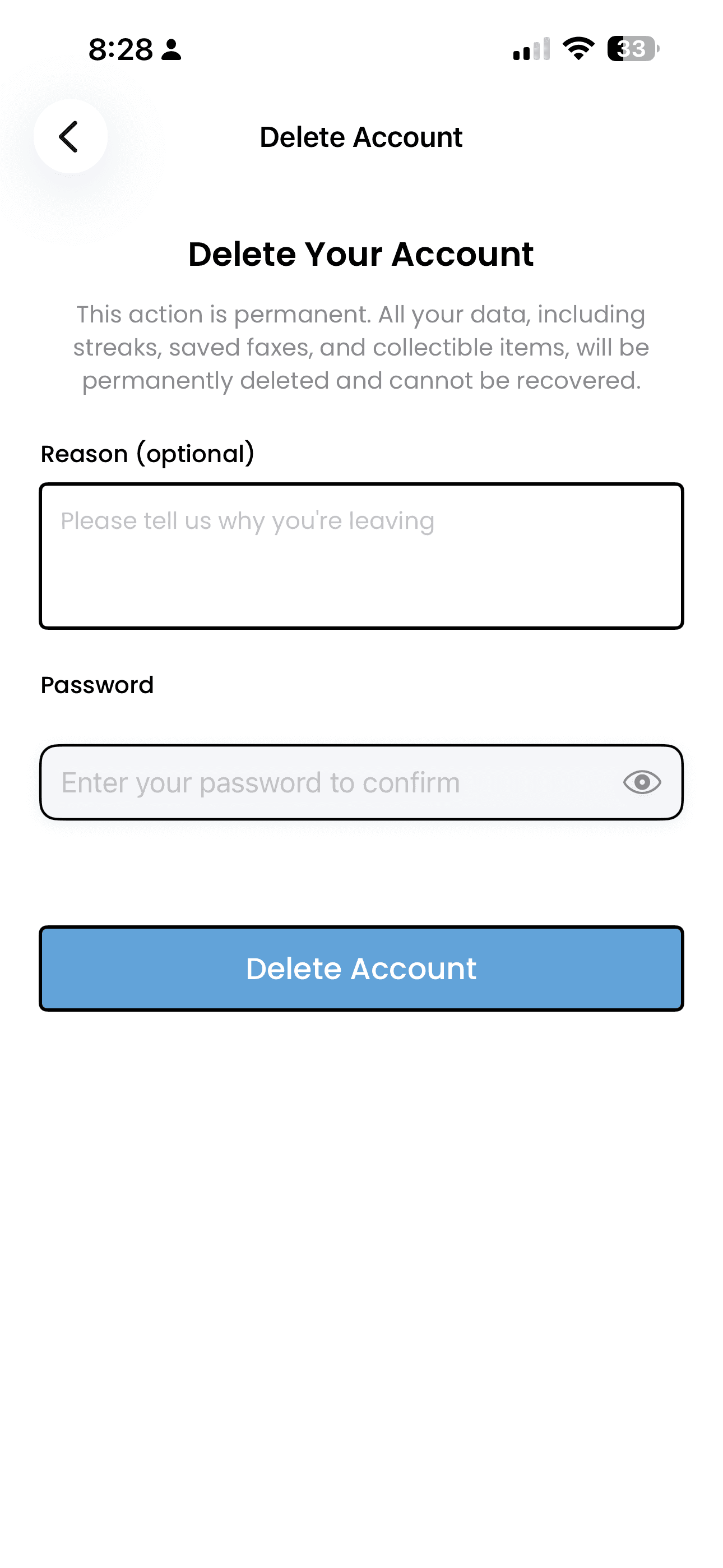
Complete the final confirmation step in the app to submit your deletion request.
If you cannot access the app or need help with a deletion request, contact our support team.
support@sylvonyx.comNo. Once deletion is completed, your account is permanently removed and cannot be restored.
Deletion requests are processed as quickly as reasonably possible. In some cases, limited records may be retained for a period of time where required for security, fraud prevention, billing, or legal compliance.
If you cannot access the app, email our support team and we will help you with your deletion request.